Introducing our new image upload service... Mara.Pics
Back in 2004 when MaraPets first launched, players needed a way to upload the images they use for their profiles, signatures, clubs, MaraSites, etc so
MaraUploads was launched.
Even though it was very basic and only gave each player 1MB of space, providing that to thousands of people for FREE was both expensive and a lot of hassle. In
November 2009 we finally discontinued MaraUploads - there were much better FREE options on the internet and it simply did not provide us with good value for money.
Fast forward to today (ten and a half years later!!) and
Mara.Pics has opened today for
beta testing!
We believe once again that MaraPets players needed a quick and easy service to upload their images for FREE and will explain how and why in this news post.
This service is provided FREE of charge to all  Level 18 or higher players.
As your level increases, so does the amount of features and space you can use. Players can currently receive as much as 1GB (1,000MB) of FREE space, with lots of plans to increase and improve the service in the future.
You can simply visit
https://mara.pics/ domain for now to access the service. It will automatically log you in if you are logged in MaraPets.
We have worked hard to make sure that
Mara.Pics is very quick and easy to use and will explain some of its features below:
There are several ways to upload an image - we only accept PNG, JPG and GIF images. You can press the
Browse button to upload multiple photos from your computer, tablet or mobile device.
You can also select files from your computer and simply
Drag & Drop them into the grey area that says 'Drop your photos here'.
Level 30 and higher can take and upload photos directly from their mobile, tablet or laptop's camera - or webcam if they have one.
If you are working on graphics from many programs, like Photoshop, GIMP, etc you can copy any image direct from this program and simply
Paste It (Ctrl + V) into the Mara.Pics upload page and it will automatically upload what you have copied!
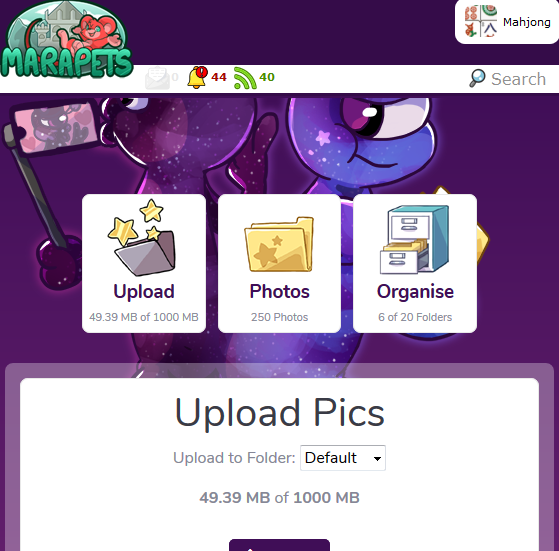
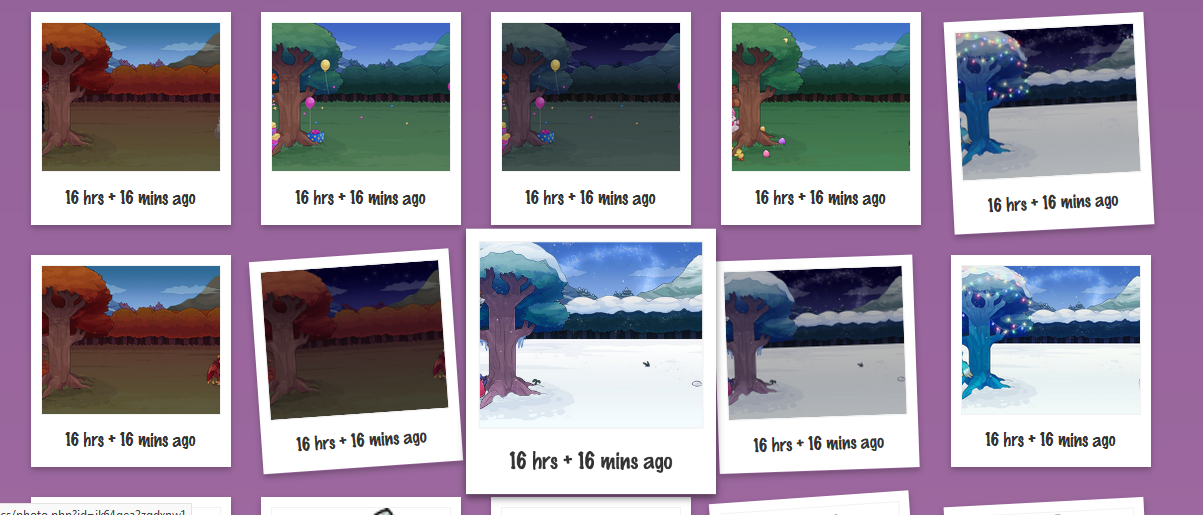
Once uploaded, you can view your
Photos in order of most recently uploaded or use the
Organise section to move, rename and organise your photos into different folders.
We even made each photo preview look like the
Photo items on Marapets!
Even for those who do not have any images to upload or feel they have no use for this service, we've added one very useful feature! If you have an error or glitch around MaraPets that you want to report to us at the Help Forums, you can now very easily upload a
Screenshot!
Simply press the 'Prt Sc' button on your keyboard (or the screenshot buttons on your mobile/tablet device) and then when you get to the Mara.Pics upload page you can
Paste It to automatically upload it!
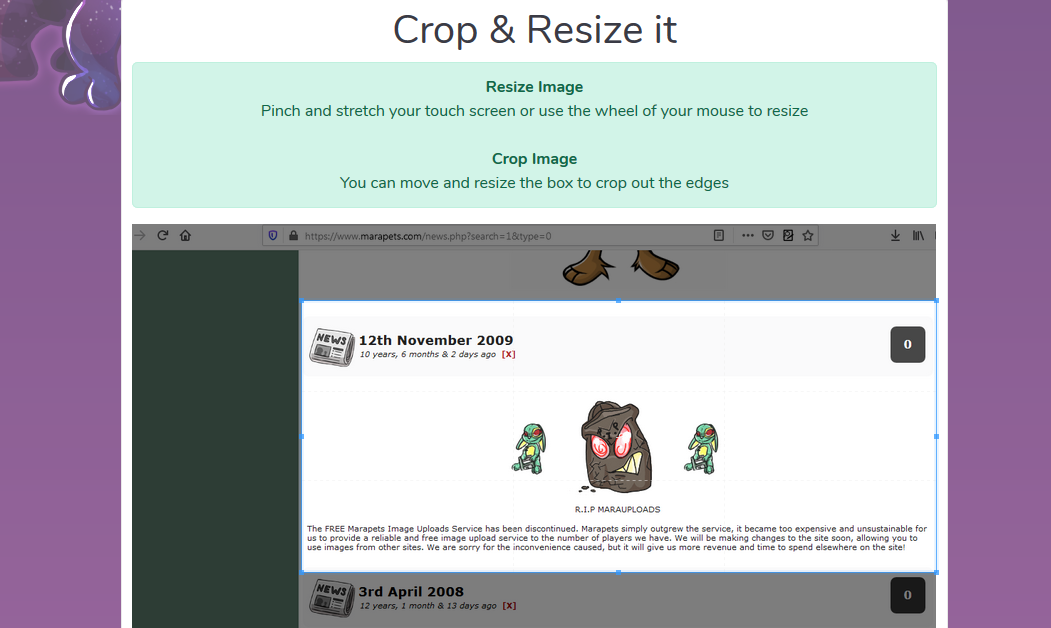
Upload just one image at a time and it will automatically give you the option to
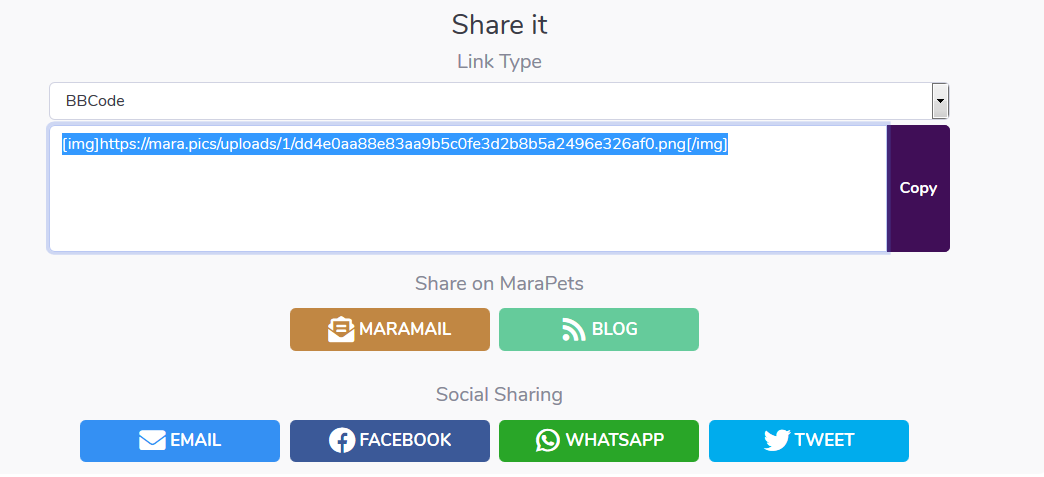
Crop & Resize. We have also made it very easy for you to use any image that you upload - with quick copy and share buttons for MaraPets and social media!
Using the new
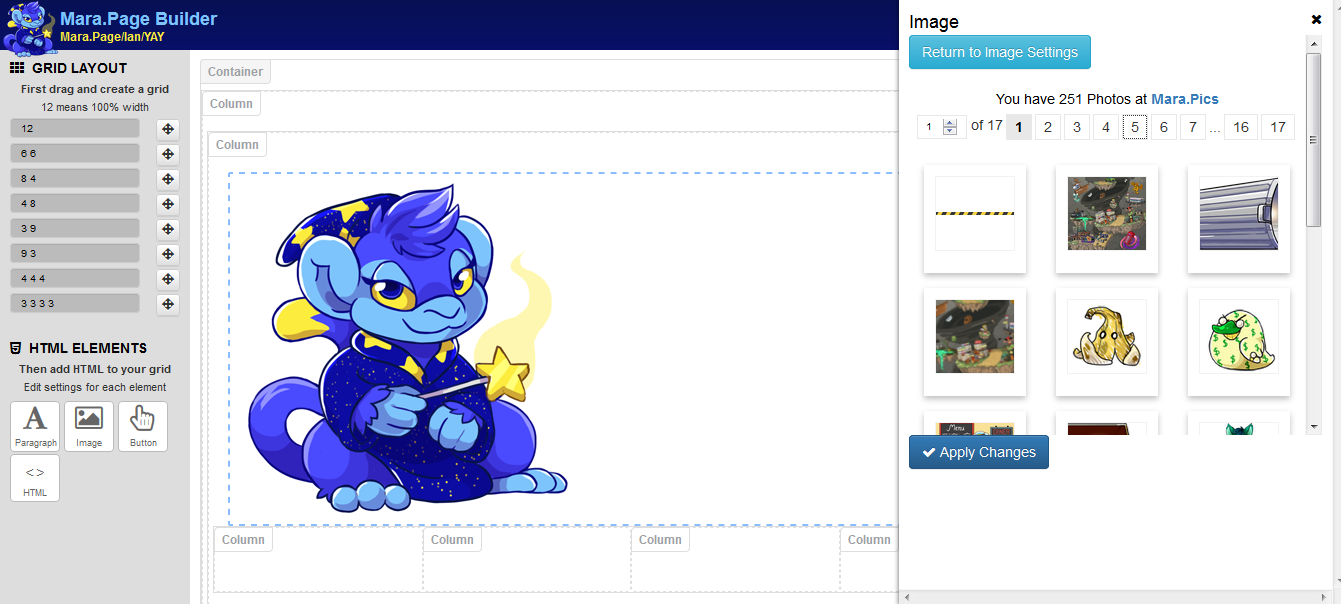
Mara.Page Builder? The images you have uploaded to Mara.Pics will automatically be loaded into the page builder allowing you to simply drag and drop images into your Mara.Page directly from Mara.Pics!







































 Account Upgrades
 Account Upgrades Shop
 Calendar
 Capsule Machine
 Forums
 Giftbox Shop
 Lottery
 Monthly Checklist
 Raffle
 Retirement Planning
 Sewer Fairy
 Wishlist